
AI faces: skin that is too smooth, eyes that are too perfect
Generated faces often have airbrushed skin, perfect symmetry and hair that dissolves at the edges.
Faces are what image models are best at, which makes them hard. The giveaways are rarely in the face itself. Look at the edges: where hair meets background, where glasses sit on ears, where earrings hang.
Skin is another clue. Real skin has pores, small blemishes, uneven colour and peach fuzz that catches the light. Many generated portraits look retouched in a way no one asked for, with a waxy or plastic sheen.
Teeth and ears are worth a glance. Too many teeth, a single uniform tooth strip, or ears that differ in shape and height can all point to a model.
Checklist
- Follow the hairline and loose strands against the background.
- Check that earrings, glasses and collars match on both sides.
- Look for pores and blemishes. Is the skin too clean for the lighting?
- Count teeth and check that they have edges.
False alarms
Beauty filters and heavy retouching make real portraits look generated. Professional headshots are the hardest real photos to judge.
Examples from past puzzles
These photos ran in earlier puzzles. In each one, this tell decided the answer or confirmed it. For real photos it is the detail that shows a camera was there.
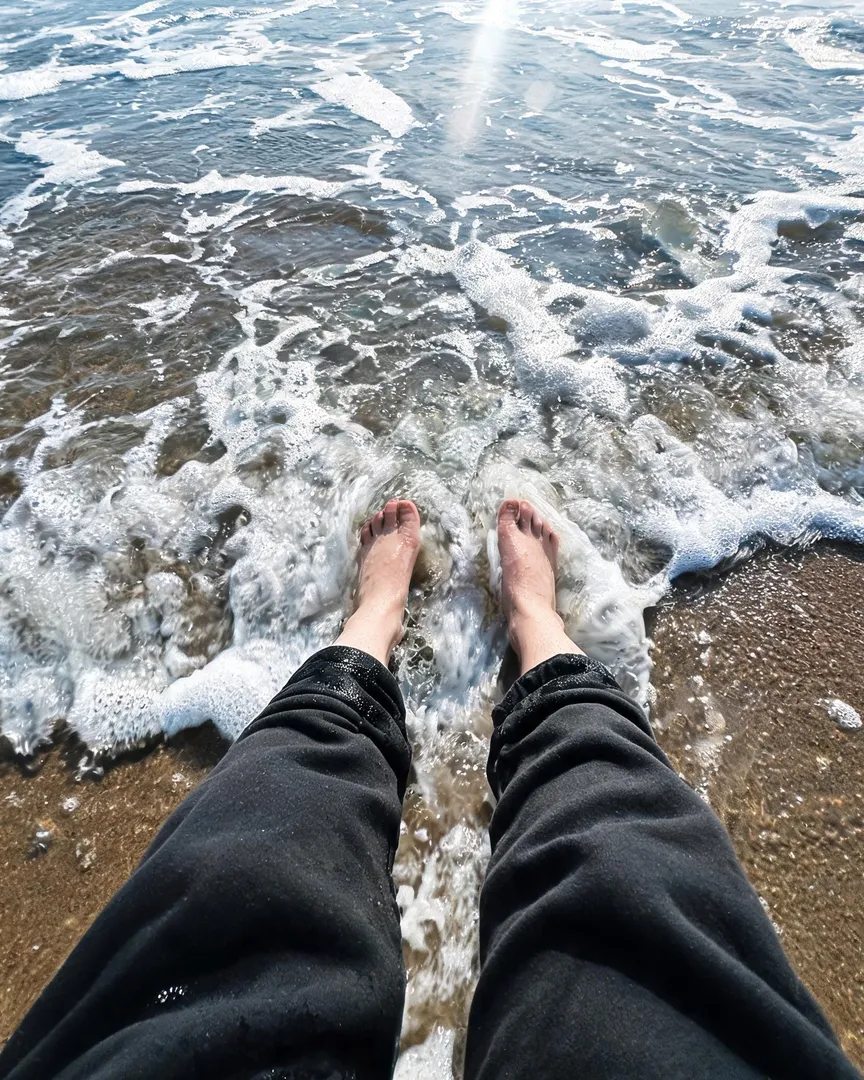
AI image
Look at the toes on both feet, which appear unnaturally smooth and slightly fused.
Made with Seedream 5.0 Lite.
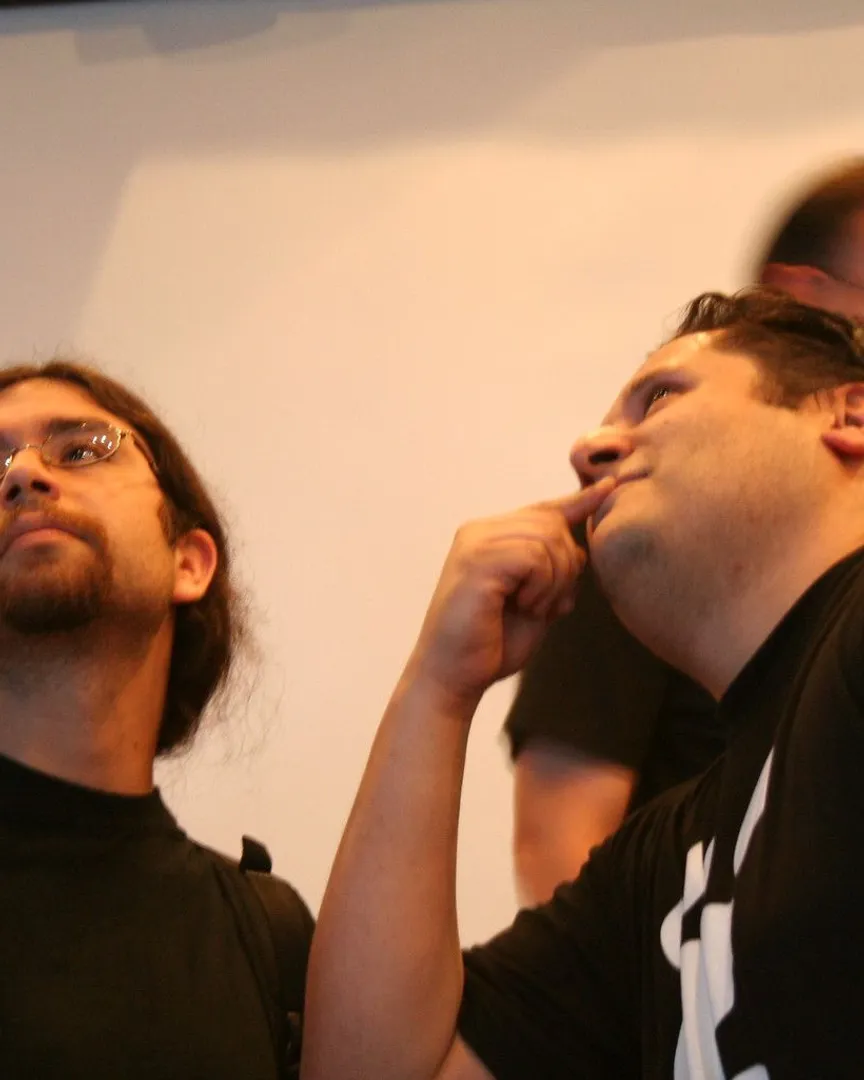

Real photo
Natural skin texture, visible pores, and fine individual hair strands demonstrate genuine photo details.
Photo by Joshua McKnight, CC0 1.0, cropped.
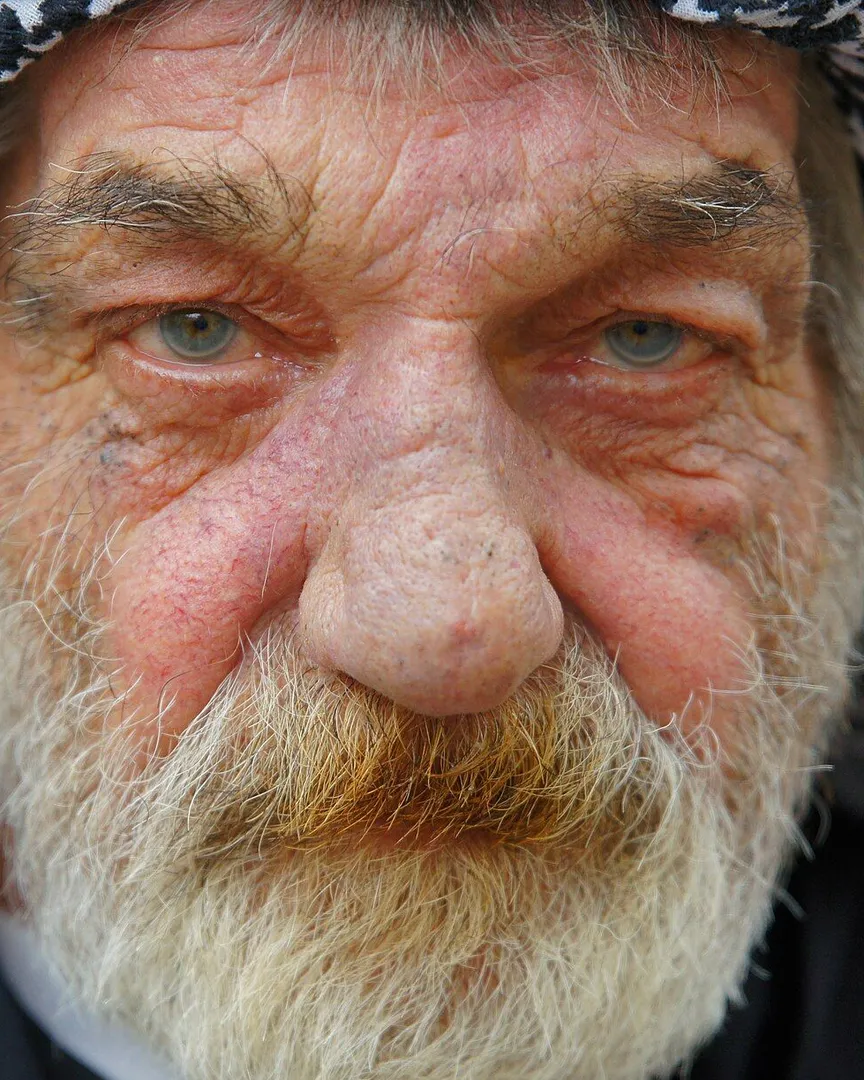
Real photo
Detailed rosacea, broken capillaries, and natural pore variations across the nose and cheeks show genuine human skin texture.
Photo by rottonara at Pixabay, CC0 1.0, cropped.
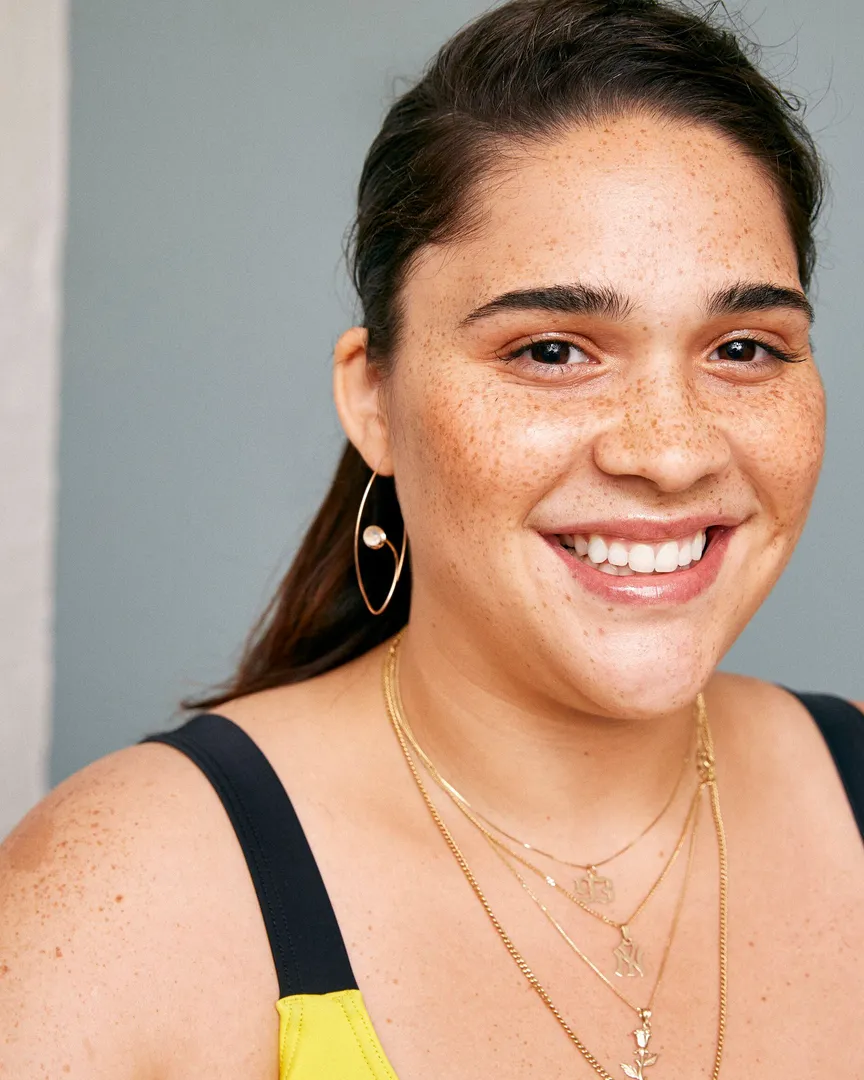
Real photo
The natural distribution of unique freckles extends continuously across her nose, cheeks, and shoulder.
Photo by SELF Magazine, CC BY 2.0, cropped.



Test yourself
Put it into practice in the daily AI or Real game or the endless quiz.