
How to check if a photo is real
The visual tells catch many fakes, but not all of them. Of the AI images in our own library, 23% show no clear giveaway at all. When your eyes run out of clues, these seven checks still work.
1. Find out who posted it first
A photo does not appear from nowhere. Someone took it and someone posted it first. Trace it back: who shared it with you, where they got it, and whether the first post names a photographer, an agency or a place. A real news photo usually leads to a named person within a few clicks. A fake often leads to an account that posts nothing else, or to nobody at all.
2. Run a reverse image search
Upload the image or paste its address into a reverse image search. Google Lens, Bing Visual Search and TinEye all work. Look for older copies, larger versions and the pages where it appeared first. An upload from years before the event settles the question, and so does the same scene in a photographer's portfolio or a stock library. If the only results are reposts from the last few days, keep checking.
3. Look for other angles
Real events are photographed by many people at once. A protest, a fire or a famous person in the street produces dozens of photos and videos from different positions. If a dramatic image has no second angle, no video and no witness, be suspicious. A generated image shows one moment from one viewpoint, and nobody else was there to film it.
4. Check the facts in the picture
A photo makes claims you can test. The weather should match the records for that day and place. Shop signs, street furniture and number plates should match the country. Uniforms, logos and vehicles should fit the year. Street-level imagery from a map service lets you compare buildings and corners. Generated images get the feel of a place right and the specifics wrong.
5. Read the metadata, but do not trust it
Photos from cameras and phones carry EXIF data: camera model, lens, date and sometimes GPS coordinates. Any EXIF viewer shows whether the file claims to come from a camera. Most social networks strip this data on upload and anyone can edit it, so missing metadata proves nothing and present metadata proves little. It is a clue, not a verdict.
6. Look for content credentials and watermarks
Content credentials, based on the C2PA standard, are a signed record of where an image came from and how it was edited. Some cameras, phones, editing apps and AI image tools attach them. Upload the file to a viewer such as contentcredentials.org/verify to read the record. Several AI companies also hide invisible watermarks in their output, Google's SynthID for example. Both only survive in the original file. A screenshot or a re-upload usually removes them, so a missing credential tells you nothing.
7. Treat AI detectors as one more hint
AI image detectors give a probability, not an answer. They miss images from new models, and they flag real photos that were heavily edited, compressed or upscaled. If you use one, try two or three and compare. A high score is a reason to check the source, not a verdict to share.
When there is no tell
These AI images ran in earlier puzzles. Our review found no clear mistake in them: the details that usually give a fake away are generated convincingly. Looking harder would not have helped. Checking the source would.
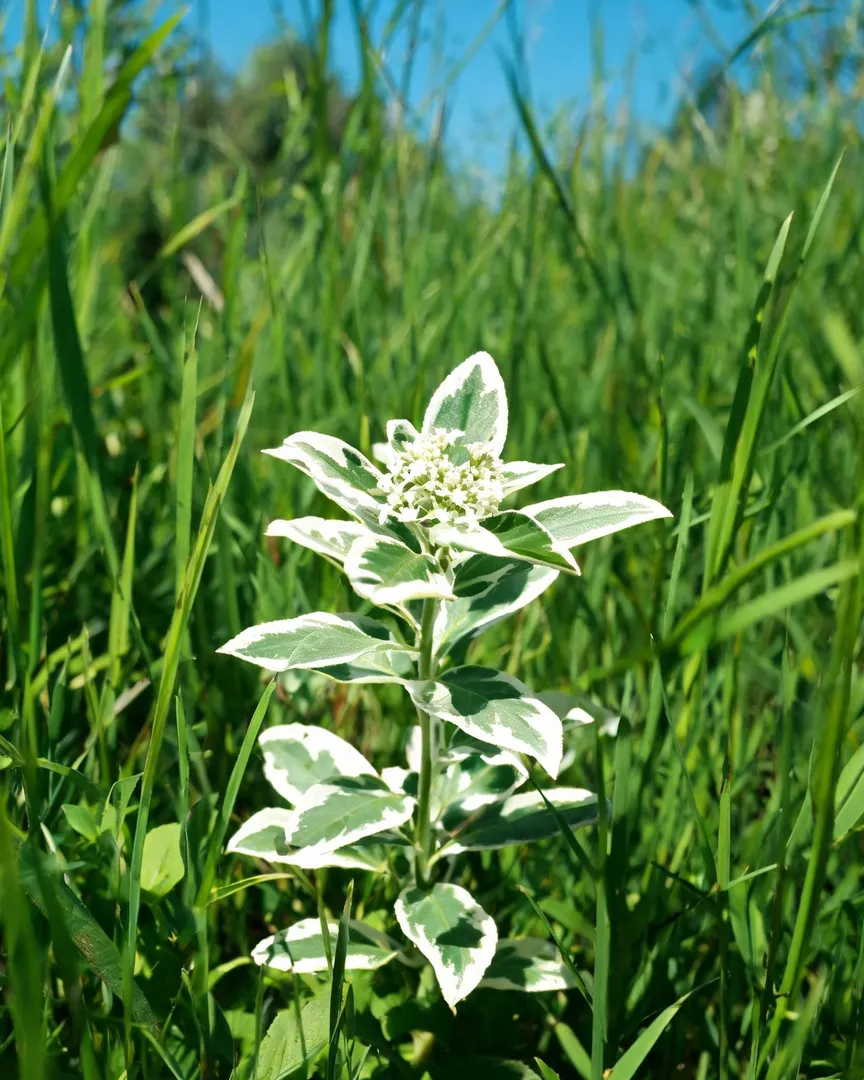
AI image
The natural plant structure and consistent lighting across leaves indicate a real photograph.
Made with Seedream 5.0 Lite.
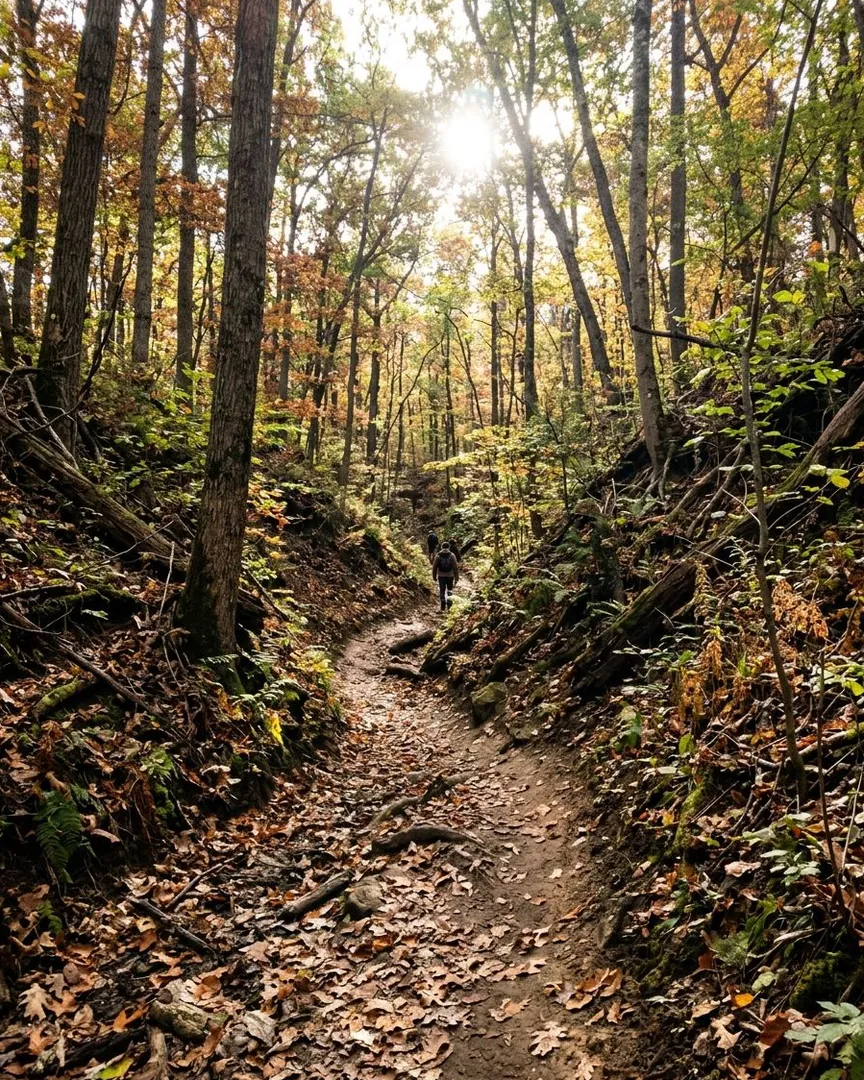
AI image
The natural lighting and complex tree branching patterns indicate an authentic photograph.
Made with Gemini 3.1 Flash Image.

AI image
The natural cloud structures and accurate reflections in the tidal pools match real landscape photography.
Made with Gemini 3.1 Flash Image.
Before you share
If you cannot confirm a photo, do not pass it on as real. Say what you know: where you saw it and that its source is unclear. Most fakes spread because someone shared them before checking, not because they were impossible to check.
To train your eye for the cases where looking does help, play the daily game or Spot the AI, and read why real photos look fake to avoid false alarms.
Questions
Is there a tool that tells for sure whether a photo is AI?
No. Detectors, metadata and content credentials each help in some cases and fail in others. Tracing the photo to its first poster is still the most reliable check.
Does missing metadata mean a photo is fake?
No. Most social networks remove metadata on upload, so most real photos online carry none.
Can a real photo carry an AI label?
Yes. Some editing tools add a label after small AI edits, such as removing an object, even when the photo itself is real. Read what the record says was changed.